728x90
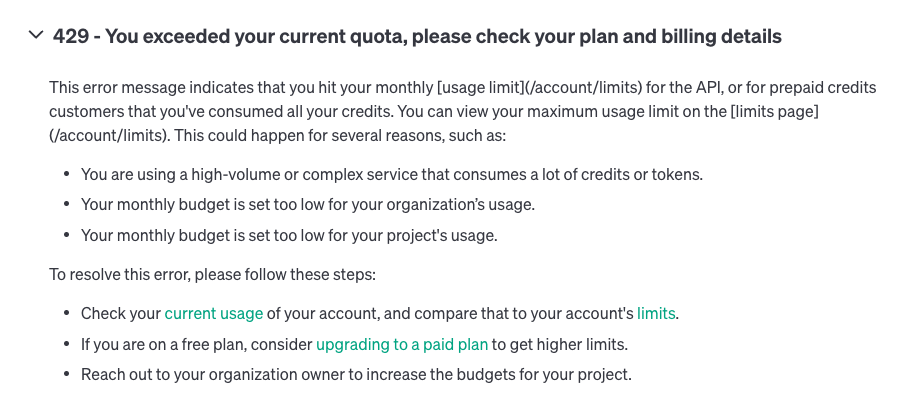
gpt-api 사용도중 발생한 에러
openai.ratelimiterror: error code: 429 - {'error': {'message': 'you exceeded your current quota, please check your plan and billing details. for more information on this error, read the docs: https://platform.openai.com/docs/guides/error-codes/api-errors.', 'type': 'insufficient_quota', 'param': none, 'code':
서칭해보니 GPT-API의 결제 페이지에서 추가로 카드를 등록해주면 된다고 했다.
카드 등록은 요기서 !
Settings-Billing-Payment methods
하지만, 등록을 새로 해도 해결이 되진 않았고, 새로 추가 CREDIT을 결제하니 해결 가능했다.
참고자료
https://platform.openai.com/docs/guides/error-codes/api-errors
'에러정리' 카테고리의 다른 글
| typeerror: no loop matching the specified signature and casting was found for ufunc greater (0) | 2023.12.05 |
|---|---|
| AttributeError: module 'PIL.Image' has no attribute 'ANTIALIAS' (3) | 2023.12.05 |
| 맥 python 실행 오류 zsh: no matches found (0) | 2023.01.18 |
| ModuleNotFoundError: No module named 'sklearn.impute' (0) | 2022.12.27 |
| [node-js]npm ERR! Error: EACCES: permission denied (0) | 2022.12.22 |

